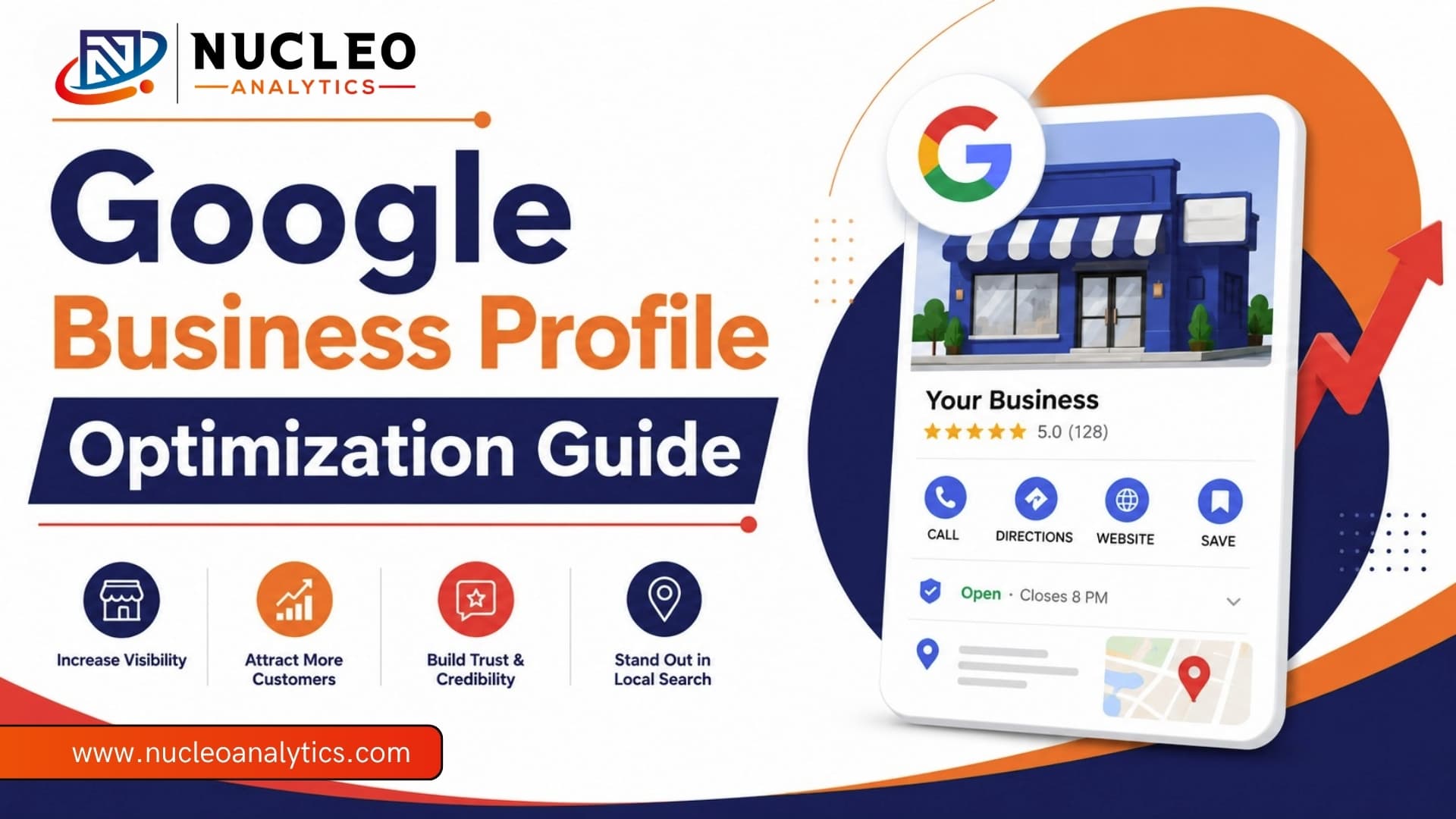


If you run a local business, your Google Business Profile is not just “nice to have.” It is one of the first places people look when they are ready to buy, book, call, or visit.That is why Google Business Profile optimization matters so much. A good profile does more than show your business name and phone number. It helps people trust you faster. It helps you show up in local searches. And it helps turn simple searches into real leads with Nucleo Analytics support.For small businesses, that is a big deal.Because when someone searches for a café near me, a dentist near me, or a shop nearby, they usually are not looking to scroll forever. They want quick answers — hours, reviews, directions. Most importantly, they want to know you are real.
That is where local SEO comes in. And your Google Business Profile is right at the center of it.
What is Google Business Profile?
Google Business Profile is a free platform that allows business owners to manage how their brand appears across Google Search and Maps.
It works like a live business listing, giving potential customers instant access to your most important details.
From contact information and operating hours to photos and customer reviews, everything is designed to help people trust your business and take action quickly.
A Google Business Profile gives you a simple way to show up, stay updated, and connect with customers locally.
Key Features of Google Business Profile

- Get seen locally – Your business can appear in nearby searches and on Google Maps
- Talk to customers easily – People can call, message, and leave reviews
- Keep your info updated – Change hours, services, or contact details anytime
- Promote what’s new – Share offers, updates, and photos
- See what’s working – Track how people find and interact with your listing
How Google Business Profile Optimization Helps You Reach Customers in 2026?
Google Business Profile Optimization helps nearby customers find you at the exact moment they are searching. And that timing matters. A lot.
Someone searching “best coffee near me” is not just browsing. They are probably hungry, thirsty, nearby, and ready to choose. Someone searching “emergency plumber open now” is even more ready. They need help fast.
That is why local SEO for small businesses is such a powerful channel. It reaches people who already have intent. They are not random visitors. They are potential customers with a problem to solve.
And your Google Business Profile is often the first thing they see.
Optimize Google Business Profile in 2026
1. Claim and Verify Your Profile First
Claim your Google Business Profile and verify it.
This step tells Google your business is legit and that you’re the one managing it. It’s a small move, but it’s a big part of Google Business Profile optimization.
You can also connect it with Bing Places to expand your visibility.
2. Fill Out Everything (Don’t Skip the Basics)
If your profile is half-empty, don’t expect full results.
Google prefers complete listings. So take a few minutes and add:
- Business name (keep it real, no keyword stuffing)
- Address
- Phone number
- Website
- Opening hours (including holidays)
- Primary + secondary categories
- Services or products
- Attributes like payment types or accessibility
Pro tip: Keep your NAP (Name, Address, Phone) the same everywhere.
This consistency supports local SEO for small businesses and avoids confusion in Google’s system.
3. Write a Description That supports Local SEO
You get 750 characters. That’s not a lot, so don’t waste it.
Start strong. The first few lines matter most, so include your key info and a couple of natural keywords early. This helps both users and local SEO.
Talk about what makes you different:
- Years of experience
- Special services
- Family-owned or local roots
Skip the fluff. No links. No keyword stuffing. Just clear, real language.
4. Pick Categories Carefully
Your primary category is a big deal. It’s one of the strongest signals Google uses to decide when to show your business. If you get this wrong, your Google Business Profile optimization won’t perform.
Then add a few secondary categories to expand your reach.
Businesses that do this properly tend to rank better in Maps. That’s a simple way to improve how to rank in Google Maps without doing anything complicated, as done by Nucleo Analytics.
5. Add Services, Products, and Attributes for GBP Optimization
This is where a lot of businesses miss easy wins.
Add your services in plain language. If you sell products, include them too. If relevant, add prices. This helps Google understand what you offer and helps customers decide faster as part of Google Business Profile optimization.
Attributes matter as well. Things like online appointments, accessibility features, payment options, and business identity details can all help your profile stand out. They also make your business look more complete and more trustworthy.
6. Use Photos to Strengthen Local SEO Signals
Photos are not decoration. They are proof.
Upload real images of your team, your location, your work, and your products. A good mix of photos can help people feel more comfortable choosing you. It also helps your profile look active for better local SEO.
Do not rely on stock photos. Do not leave Google to choose random images for you. Take control of that space.
A few solid photos can do more than a thousand generic words.
7. Reviews Still Move the Needle
If you want better local visibility, reviews matter. A lot. Ask happy customers to leave reviews. Make it easy. Send them a direct link. And once the reviews come in, respond to them to support local SEO for small businesses.
Thank the good ones. Handle the bad ones calmly. Keep your replies natural. That shows people you are active and that you care.
Reviews also help with trust. And trust helps with conversions.
8. Post Regular Updates
Google Posts are underused. That is good news for you.
Use them to share offers, new services, events, and useful updates. You do not need to post every day. You just need to be consistent enough that your profile does not feel stale while improving how to rank in Google Maps.
This is a simple part of local SEO, but it helps. It shows Google that your business is active. It gives customers another reason to engage.
9. Answer Questions to Support Local SEO and Local Link Building Signals
The Q&A section is useful when it is managed well. You can add common questions yourself and answer them clearly.
Think about the things customers always ask before they buy. Pricing, parking, service areas, booking times, availability, delivery, or consultation details. Answer those in advance as part of the local link building strategy signals.
That removes friction. It also helps your profile show up for more relevant searches.
10. Keep Hours and Info Updated
Nothing annoys customers faster than wrong hours. Holiday schedule changed? Update it. A new phone number or service area also needs to be reflected immediately — with proper technical SEO for small business consistency.
Small mistakes here can cost you real business. They can also lead to bad reviews that could have been avoided.
Get More Calls, Clicks, and Customers from Your Google Business Profile
Google Business Profile Optimization: Before vs After Results
| Before Google Business Profile Optimization | After Google Business Profile Optimization |
| Hard to find in search results | Higher visibility in local SEO results |
| Not ranking in Maps | Better rankings in Google Maps |
| Low customer trust | Strong reviews and credibility |
| Incomplete profile | Fully optimized, detailed listing |
| Missed local leads | More calls, clicks, and visits |
Why Nucleo Analytics Focuses on Google Business Profile First?
At Nucleo Analytics, we start with your Google Business Profile because it delivers quick, real results. Many businesses overlook basic fixes, and that’s where opportunity lies.
With proper Google Business Profile optimization, you can improve visibility, calls, and engagement fast. As a white label SEO agency, we know that when your profile is strong, your overall local SEO performance becomes easier to scale and sustain.
How Nucleo Analytics Helps You Rank and Convert Locally?
Nucleo Analytics builds your presence with a clear focus on results. We handle full Google Business Profile optimization, align it with your website, and strengthen local SEO for small businesses.
We help you understand how to rank in Google Maps using real signals, not guesswork. Alongside that, we support local link building and improve technical SEO for small businesses to make sure nothing limits your growth.
Final Thoughts
If local customers matter, this is where you start. Google business profile optimization is one of the fastest ways to improve visibility, trust, and conversions. At Nucleo Analytics, we focus on what actually works: strong profiles, consistent updates, and smart local SEO strategies. When combined with local link building and solid technical SEO for small businesses, the results are simple: better rankings, better leads, and steady growth.